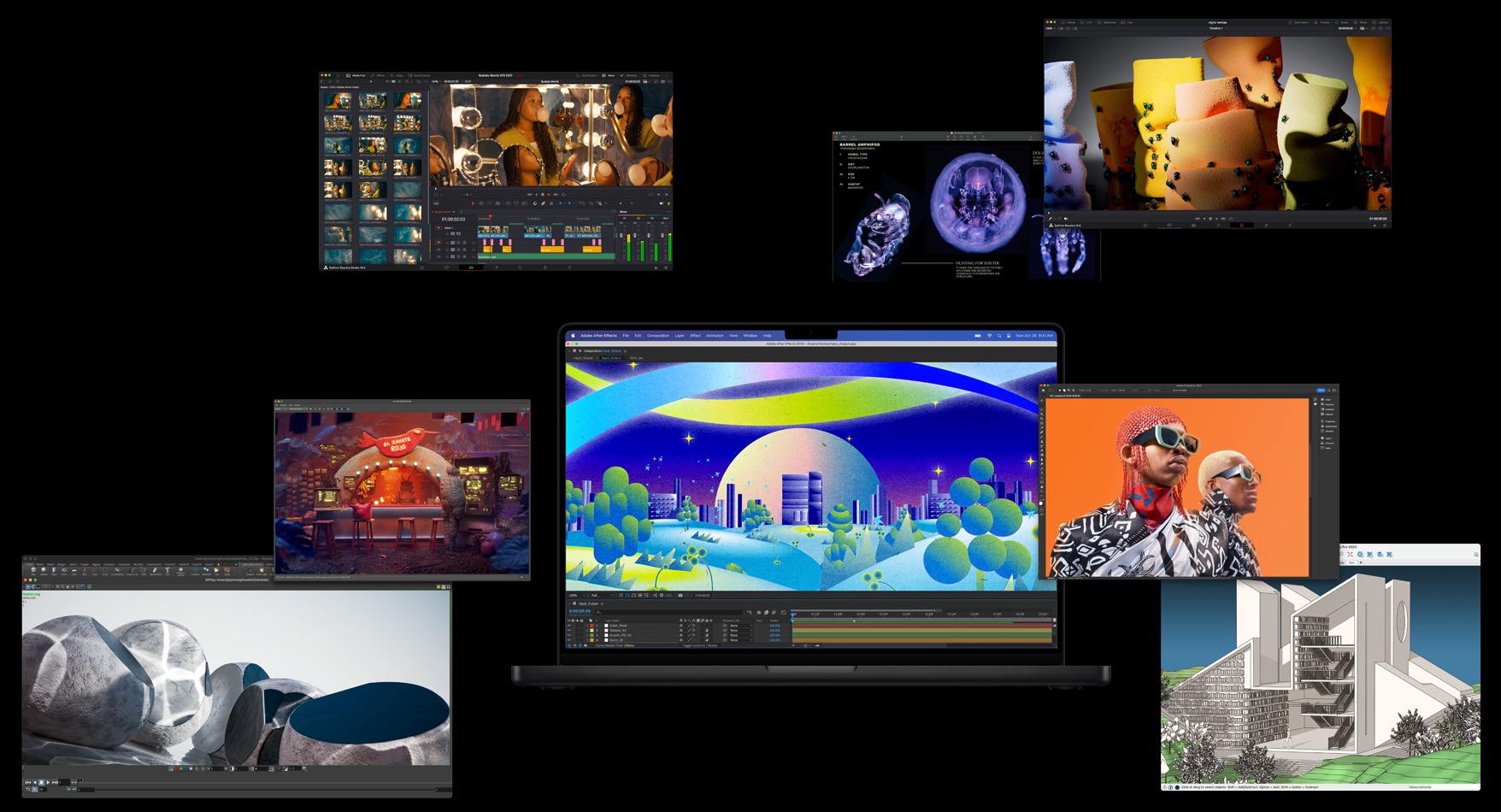
Mac or PC – which computer is better for photo editing and why? Edition 2024 Over the years, a huge number of computer configurations have gone through this article. I suggested Macs due to their easy color management in macOS and great screens in MacBooks. well-functioning scaling, even if it is different on multiple monitors […]
I have already written about the advantages of Apple computers on the main page of this guide, and here I focus on describing noteworthy models along with information on what is worth paying extra for, what’s not worth buying, etc. Home page: Mac vs. PC and general information […]
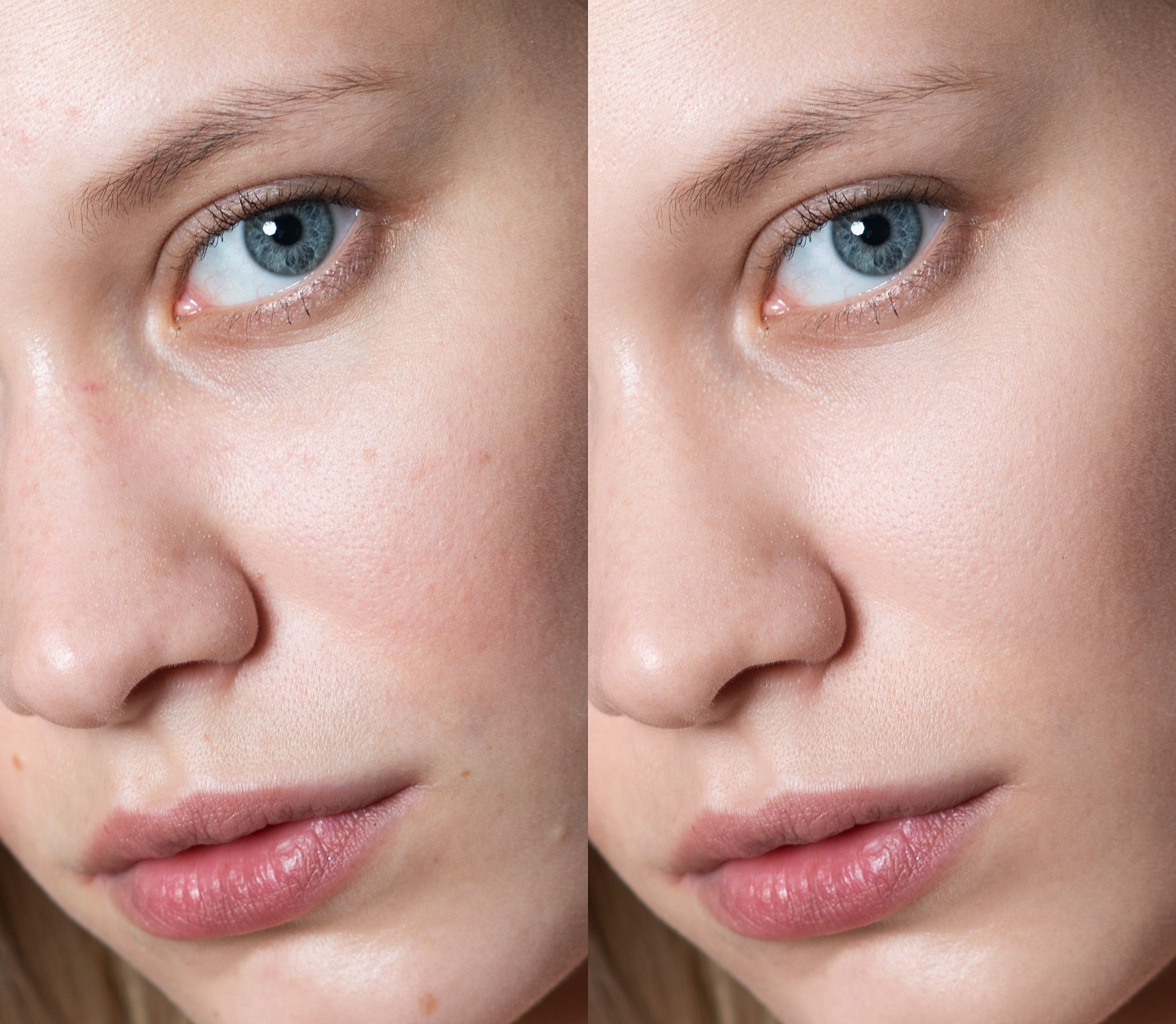
This blog post is about Retouch4me, an artificial intelligence used for retouching photos both in Photoshop and as standalone applications. This is an unusual A.I because it has absolutely no competition – it specializes in photo retouching and there is no other tool like this (not on this level – not even close). One mouse […]
If you have low-resolution, blurry, and/or noisy photos, it is very possible that Topaz Photo AI is a tool for you. We are talking about both amateur and professional photoshoots. The subject matter is also very broad – it works with photos of people, nature, macro, etc. Update: April 2023. I decided to check if […]
For a long time, I had been thinking about a desk with electric height adjustment, the kind that lets you alternate between sitting and standing while working. Friends had praised using a computer this way for years, and it is obviously worthwhile for health reasons. But I was concerned about whether retouching photos like this would be comfortable. Working on a pen tablet […]
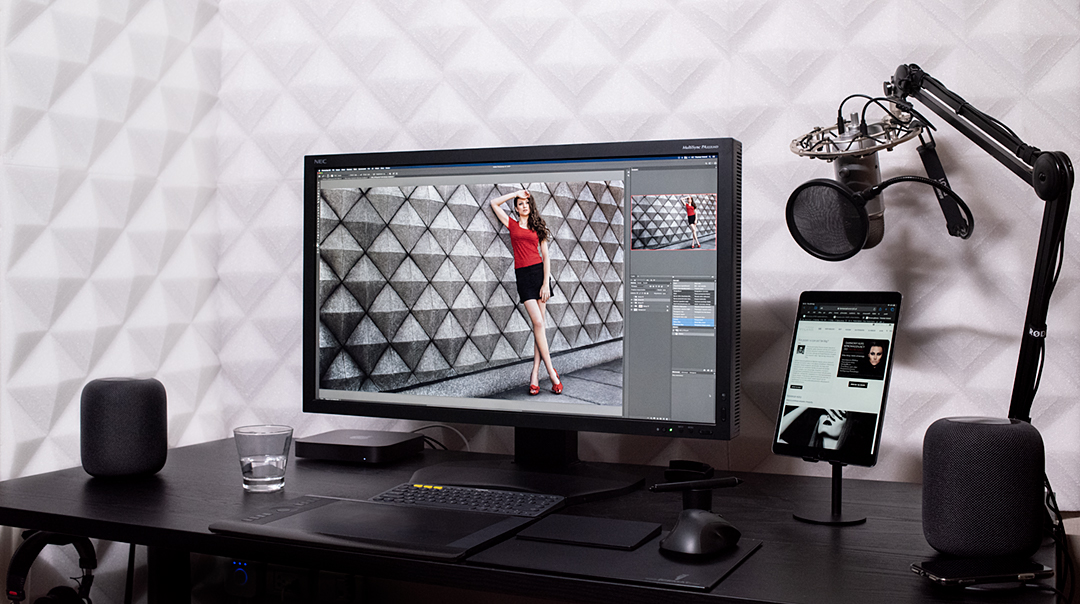
Finally, the time has come when it is easy to illuminate your computer workstation for retouching, graphic design, or video editing. In the past, there were many complications when people wanted to do it right. In the past almost everyone used fluorescent bulbs because other light sources had too many drawbacks for such use: incorrect […]
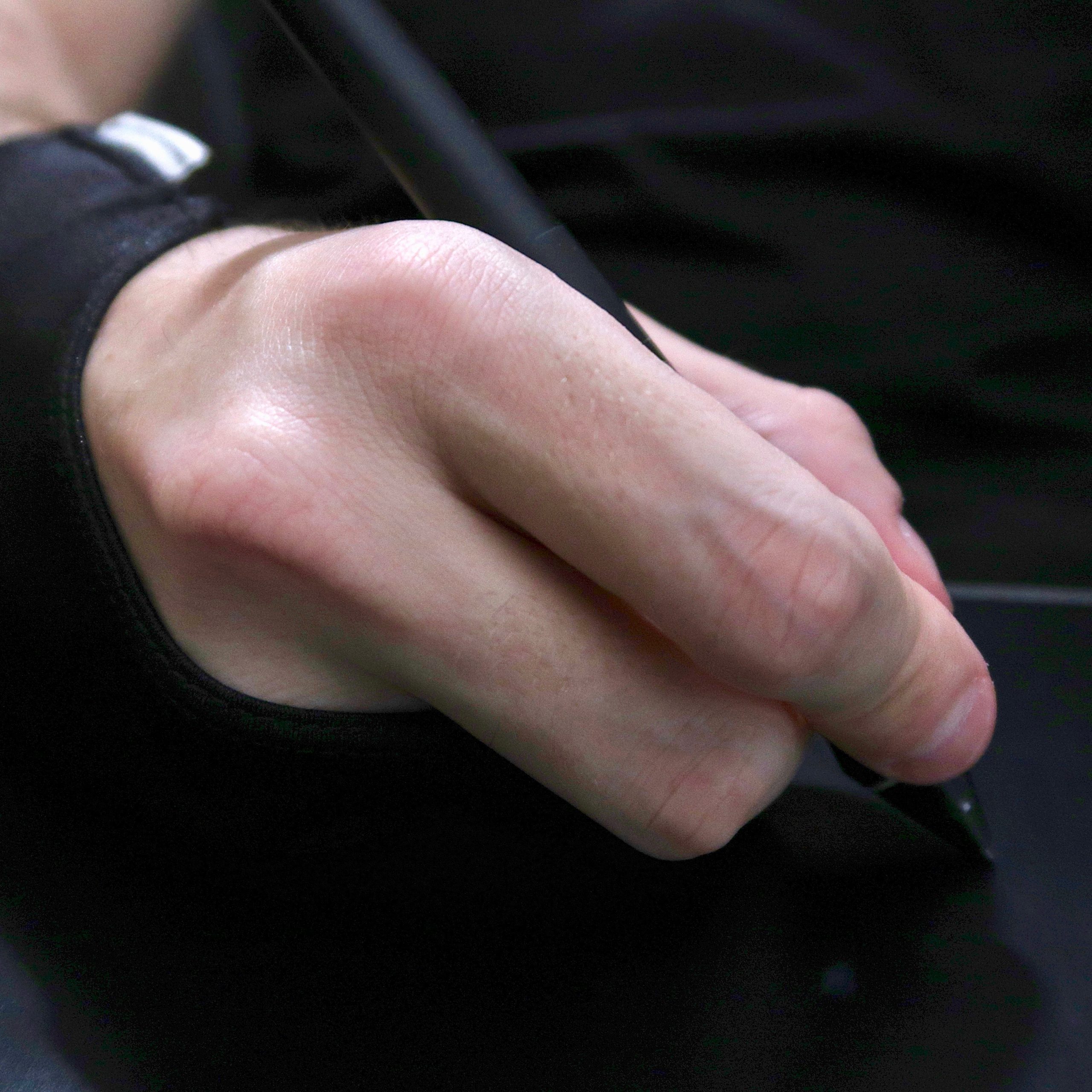
Do you use gloves for retouching? Almost nobody does. In fact, few people even know they exist. Whenever my hand was visible during webinars, people often asked whether something had happened to it, "what is that strange thing on your hand?", and "how much does it cost?" I used to review gloves all the […]
In this article, I'll try to cover all the most important settings that affect how fast Photoshop runs and how pleasant it is to use, without unnecessary stuttering, the brush lagging behind the cursor, and so on. I'll cover the points I discussed more than a year ago in a video about performance (it's in the Webinar Archive), plus […]
I've already written a lot about how to light a retouching workstation. Today I'm returning to the subject from a slightly different, highly subjective angle: using LEDs as room lighting, or more specifically, describing a particular lamp with good LEDs and adjustable brightness and color temperature. Even now, in my computer room […]
No matter what year it is, information about what DPI to set for photos published on the internet is still being repeated. “Just use 72” is probably the most common opinion. Of course, 72 is enough. Just like any other value, even 1. If it’s 10,000, it won’t change anything – the photo will be […]
By now, almost everyone has probably heard that Nik Collection, a set of plugins for Photoshop, Lightroom, and other applications, is now available for free. It used to cost several thousand zlotys, and after Google acquired the company the price dropped to around 500 PLN. Now the entire collection is free to download, while anyone who bought it in 2016 will receive a refund. I mentioned […]
Dodge & burn is one part of retouching you simply have to know if you want to edit photos of people. I don't necessarily mean strictly commercial photography with models. Dodge & burn can be useful even in portrait work, just on a smaller scale. Unlike other techniques, it preserves the skin's texture completely, though that's not its only […]
It finally had to happen—the first post on my blog that is a video (more specifically, a screencast, meaning a recording of what is happening on the computer screen). Last week I announced on my fan page that you could send me your photos, and I would retouch selected ones and record a speed-retouching video—one that shows the editing process at a highly […]
Color management is fundamental to digital photography, but knowledge of the subject is surprisingly poor. Unfortunately, professional photographers, and even people who call themselves retouchers, often have no idea which color spaces they are working in or what the consequences are. There will be no technical babble in my post because I probably would not understand half of […]
Natural skin color is a constant headache for many people. Different cameras reproduce colors differently. Nikon, for example, has been labeled as producing yellow images, while Canon has been labeled as producing red ones. People also say Canon's colors are much better and more natural. If you shoot JPG, this may actually matter. But if you read my website, […]